
Release Notes
Planforge 26.1
Dear Planforge Community,
We've just released Planforge 26.1, bringing new capabilities for resource management, portfolio reporting, and gate management.
Enjoy exploring the new features!
1. New Team Dashboard
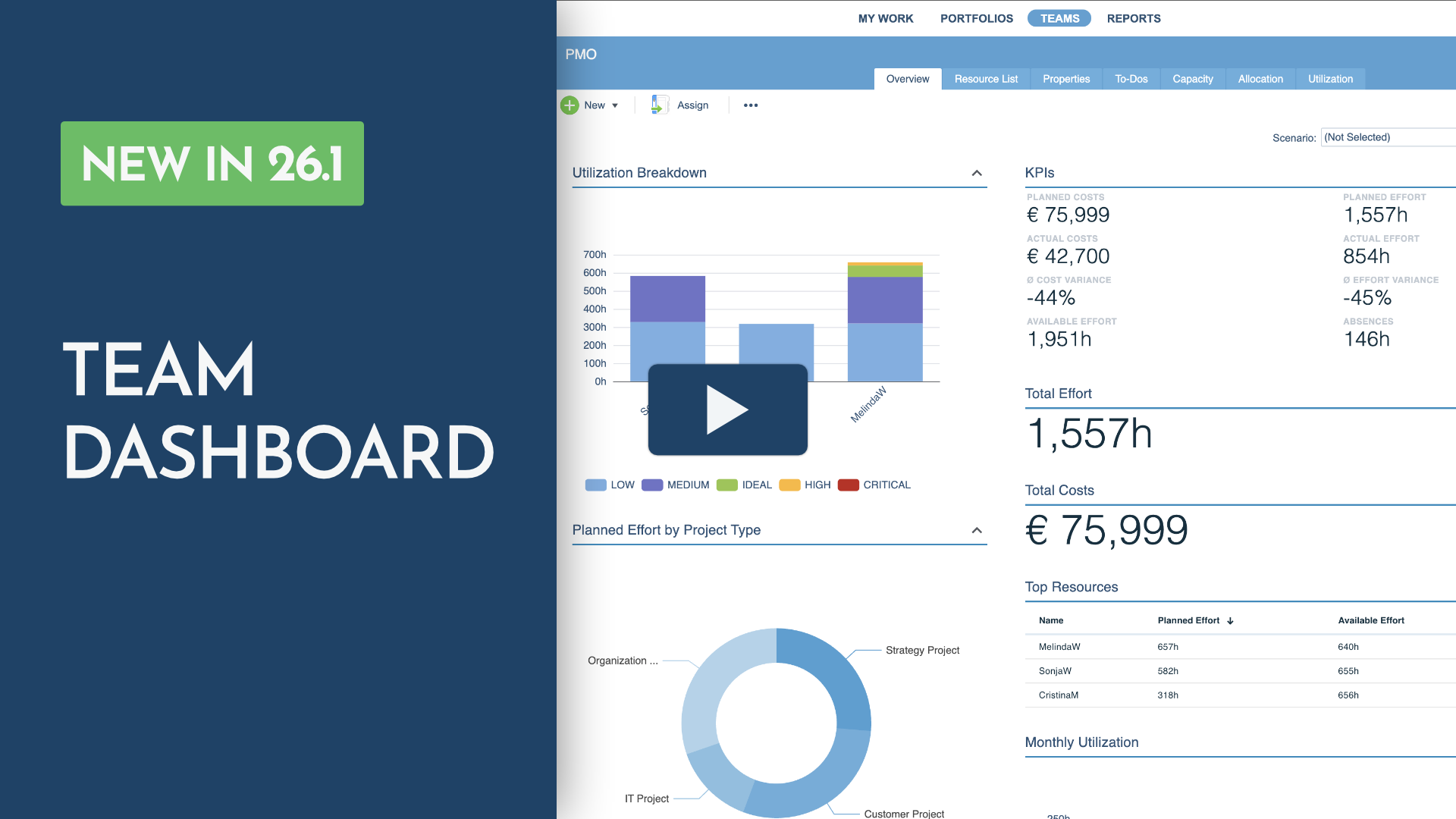
Get a complete overview of your team's capacity and utilization with the new configurable Team Dashboard.
Monitor planned and actual effort, costs, availability, and absences to identify bottlenecks and available capacity.
💡 At a glance
- Is my team overloaded?
- Who has capacity for new work?
- How is my team's workload distributed?
📍 Where to find it
TEAMS > Overview
Select a team or skill.
2. Skills and customers as resource objects
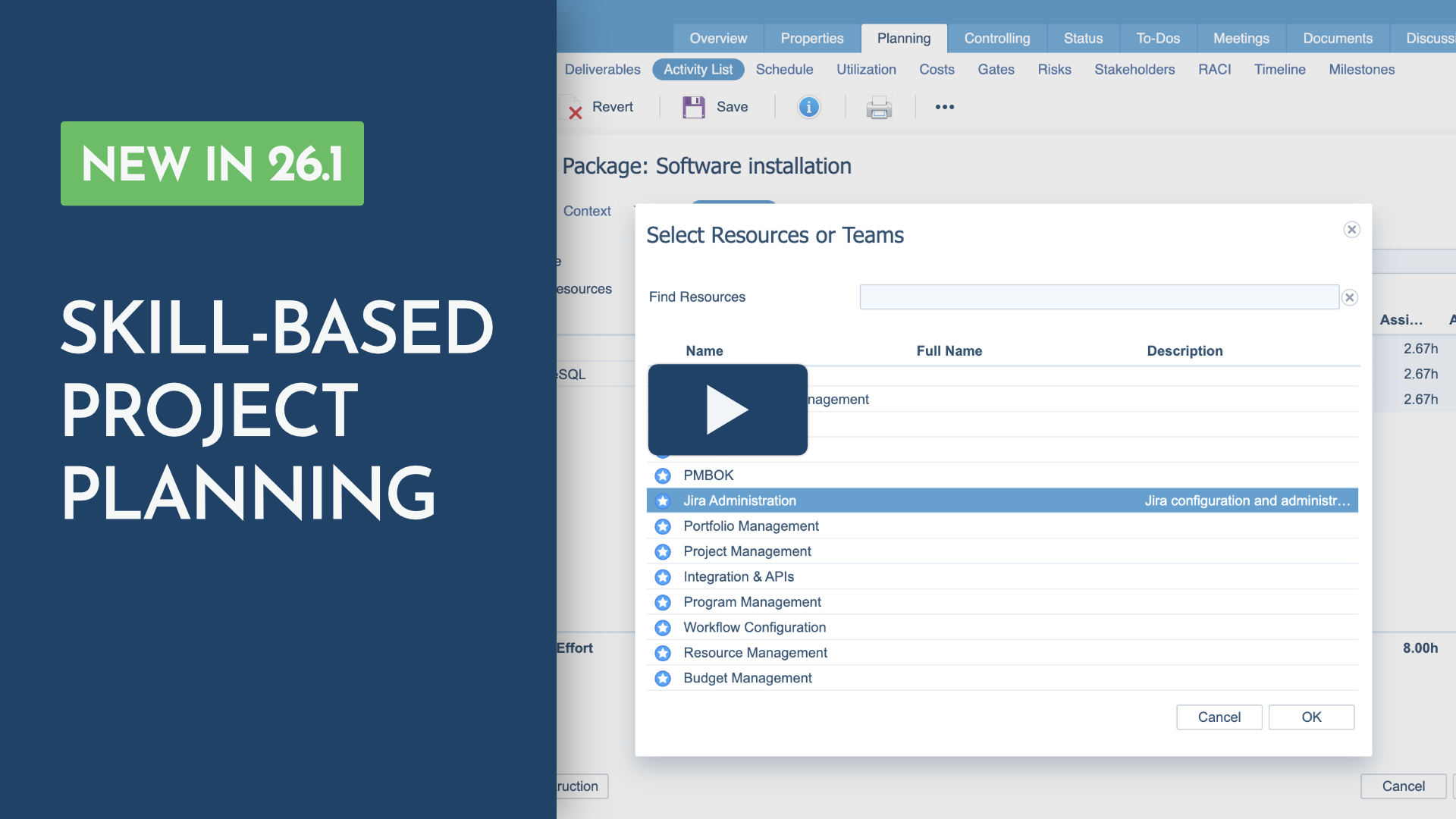
Skills and Customers are now integrated into the Teams area and can be managed as resource objects.
This simplifies administration, adds flexibility to resource planning, and enables planning scenarios that were not possible before.
Skills
You can now assign skills directly to activities to support skill-based project planning, especially in the early planning phase.
Once the required resources become available, simply replace the assigned skill with the appropriate team member.
Customers
You can further assign customers and their contact persons directly to activities and to-dos, making customer involvement visible throughout your project planning.
📍 Where to find it
TEAMS > New > Customer or TEAMS > New > Skill
Created customers and skills will appear in the navigation.
3. New Portfolio Reporting Views
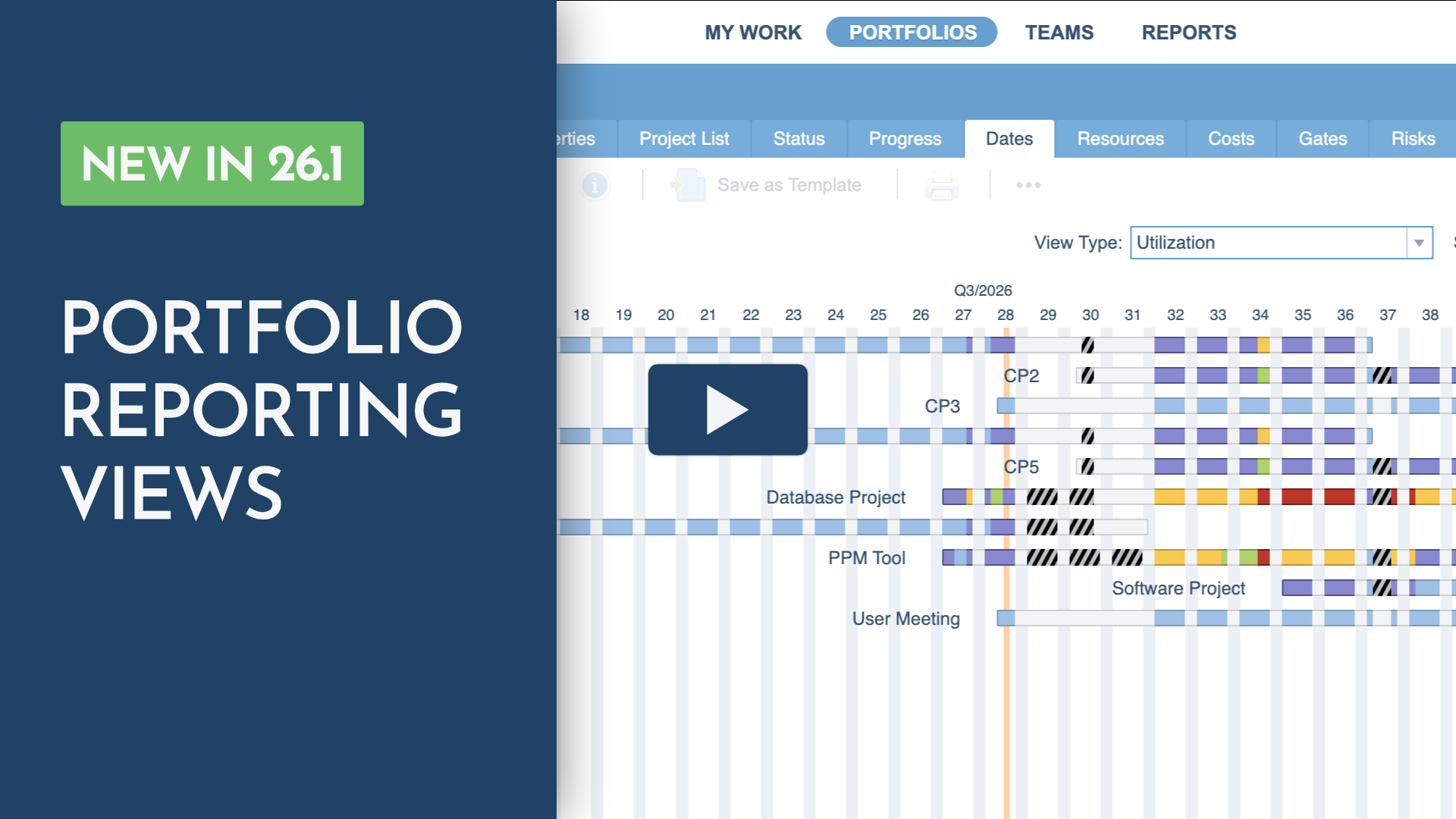
Gain deeper insight into your portfolio with two new reporting views for resource utilization and milestones.
Utilization View
Monitor project team utilization across your portfolio and identify resource bottlenecks early.
Milestones View
Get a consolidated view of milestones across your portfolio, making it easier to track upcoming deadlines.
💡 At a glance
- Where are resource bottlenecks emerging?
- Which milestones are coming up next?
- Which projects require immediate attention?
📍 Where to find it
PORTFOLIOS > Dates
Select Utilization or Milestones from the View Type selector.
Available with the Portfolio Analysis Option (PAO).
4. Major Gate Management Enhancements
Gain greater transparency throughout your gate review process with new review tracking, reporting, and KPI capabilities.
Available with the Gate Management Option (GMO).
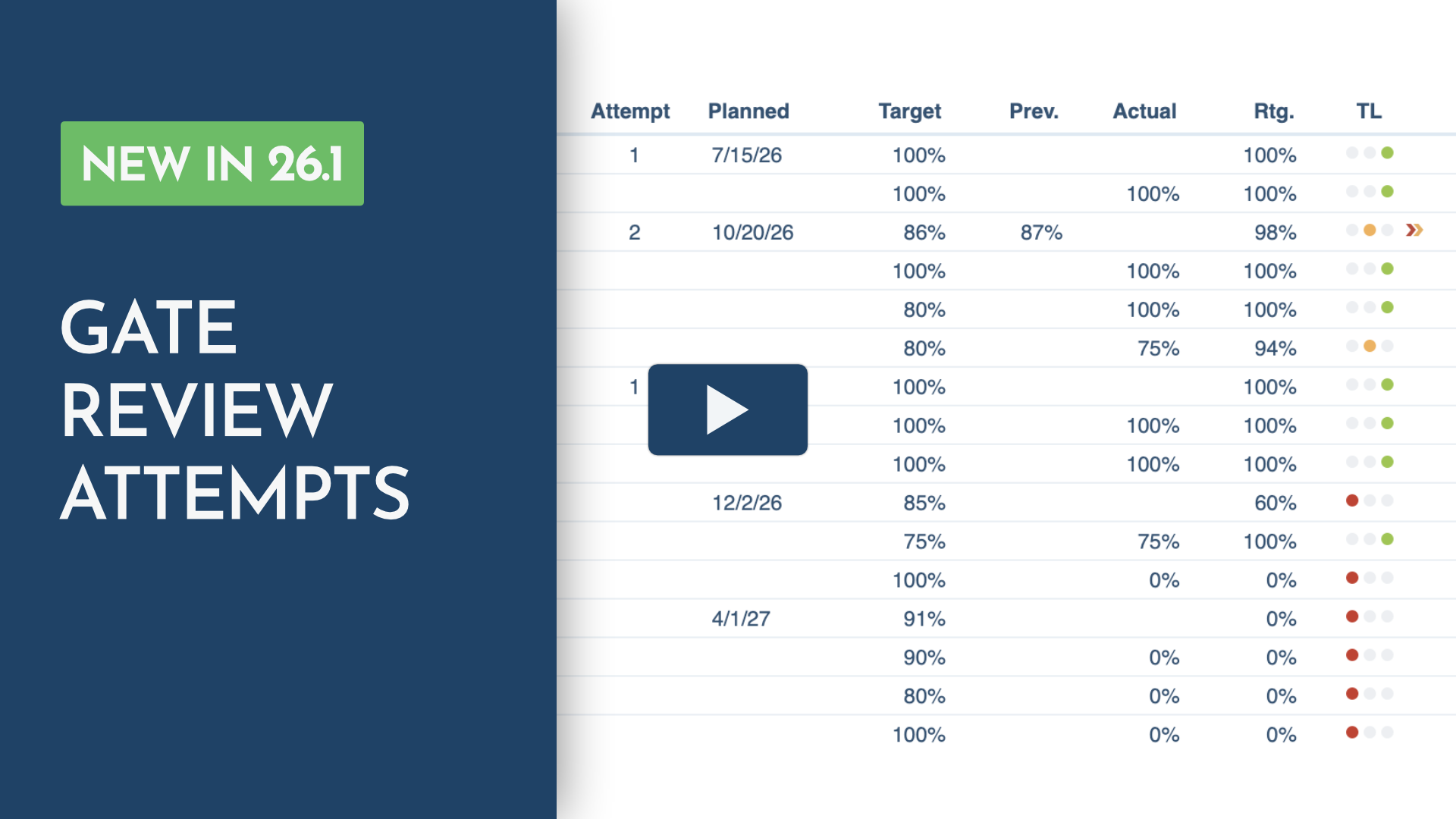
Improved Controlling View
See the current and previous review attempt at a glance to track review progress more easily.
📍 Where to find it
PORTFOLIOS > Traditional Project > Controlling > Gates
New Gate Review History
Get a tabular overview of all gate review attempts at project level, making it easy to review past decisions and export individual reviews as PDFs.
📍 Where to find it
PORTFOLIOS > Traditional Project > Controlling > Gates
Switch to the Gate Change History view.
New Gate Progress Report
Generate a Gate Progress Report combining the current gate status and complete gate review history in a single PDF.
📍 Where to find it
PORTFOLIOS > Traditional Project > Controlling > Gates
Click Gate Progress to generate the report.
New Built-in KPIs
Access three ready-made KPIs for real-time gate reporting: Gate Approval Rate, Gate On-Time Rate, and Gate Fulfillment Score.
Monitor gate approval, schedule adherence, and gate quality at a glance.
📍 Where to find it
PORTFOLIOS > KPIs
Add the new KPIs to your dashboard.
Requires the Portfolio Analysis Option (PAO) to access the KPI dashboard.
Built on real-world experience.
We develop Planforge in collaboration with partners and customers, incorporating real-world processes and best practices into every release.
Thank you for being part of the Planforge community.


You can unsubscribe by clicking this link . In case you have any questions, please write us at info@planforge.io or call us at +43 (316) 267 267 0.
Information obligation in accordance with §25 Media Law
Company: Planforge GmbH
Address: Dietrich-Keller-Strasse 24/6, 8074 Raaba/Austria
Company register CN 261470s,
Regional Court for Civil Matters Graz
Tel: +43 (316) 267 267 0
Fax: +43 (316) 267 267 99
Email: info@planforge.io
Business purpose: Rendering services in automatic data processing and information technology