

Press Release
Graz, Austria — January 8, 2026. Planforge today announced version 26 of its enterprise project work management platform. The new version redefines how organizations connect agile work in Atlassian Jira with strategic planning and resource management in Planforge.
At the core of this release is the next-generation Jira Connector Option (JCO) that delivers increased flexibility. Teams can now connect multiple Jira projects to a single Planforge project. This ensures that progress, capacity, and priorities remain aligned across large programs and interdisciplinary initiatives. A new filter-based configuration allows granular control over what information syncs between the two systems, simplifying complex integration scenarios.
"Planforge was among the first project and portfolio management solutions to offer a fully bidirectional integration with Jira — an integration now used successfully by organizations of all sizes," said Gerald Aquila, founder and CEO of Planforge. "With version 26, we are taking that integration to an entirely new level — empowering enterprise teams to orchestrate work across systems, disciplines, and geographies with complete transparency."
Learn more about the Jira Connector Option (JCO).
Planforge further strengthens one of its core differentiators — enterprise-grade resource management — with a series of updates across planning, tracking and controlling.
These updates help bridge the gap between agile execution in Jira and structured resource planning in Planforge.
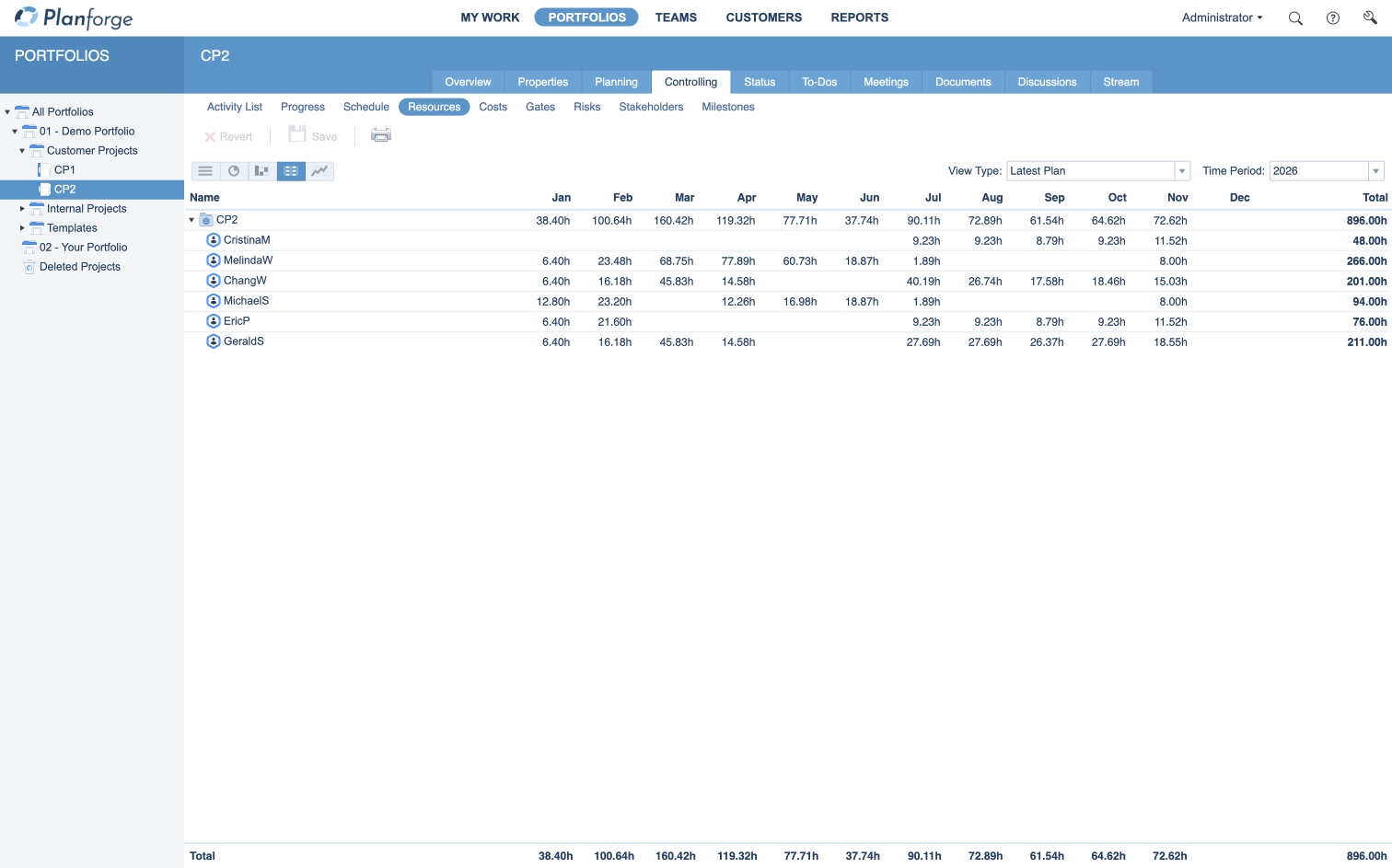 Figure 1: Resource allocation at project level
The enhanced Teams Connector Option (TCO) extends collaboration beyond project boundaries. Version 26 now supports:
Together, these features ensure that project data, resources, and communication stay aligned between Planforge and Microsoft 365.
Learn more about the Teams Connector Option (TCO).
Additional changes in version 26 include:
Version 26, including the enhanced Jira Connector Option (JCO) and Teams Connector Option (TCO), is available now. Teams can get started with Planforge Cloud free of charge at www.planforge.io/en/free-version. To test Jira and Microsoft Teams connectivity in Planforge Cloud, contact the sales team at info@planforge.io.
The company and product names mentioned are trademarks of their respective owners as long as they are registered.
✓ Start for free ✓ Scales with your organization ✓ GDPR compliant


 Jira
Jira
 Confluence
 SAP
SAP
 Teams
Teams